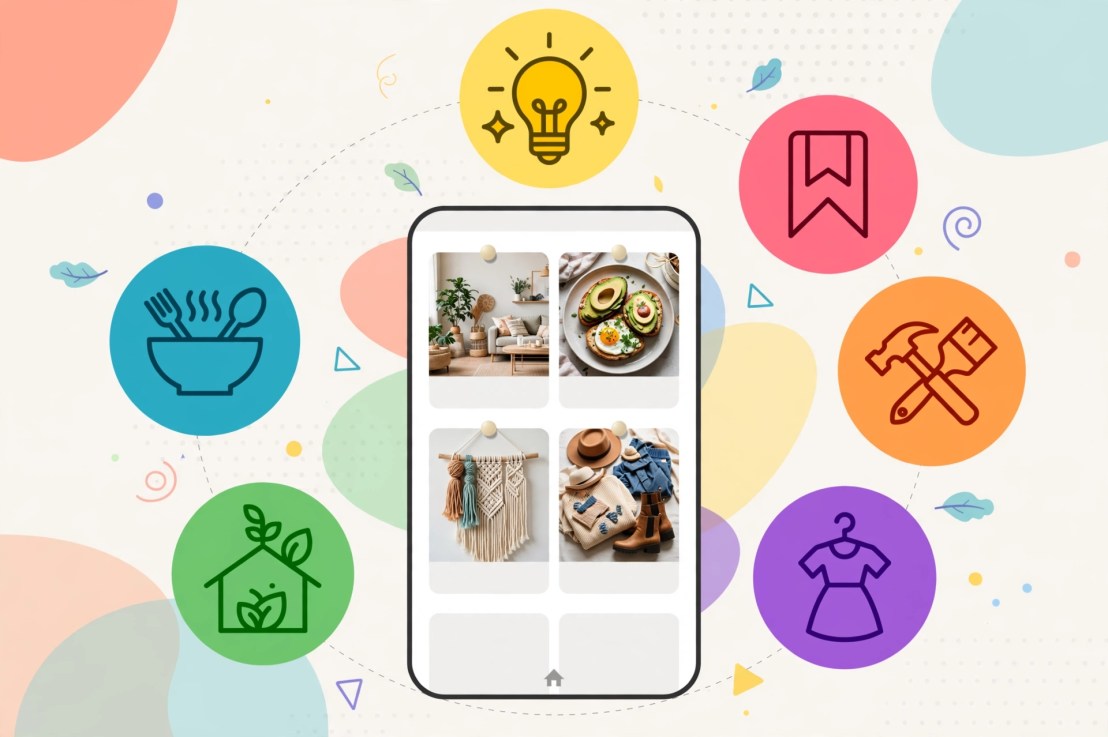
Search for “small kitchens” on Pinterest, and you will see how the autofill function completes the rest of your sentence for you. This is what Pinterest is all about. It is basically a search engine which uses images to search instead of keywords.
Typically, the average beginner spends an hour on the graphic and ten seconds on the caption. That ratio is backwards. Here are eight questions people ask early on, answered the way I’d answer a friend.
1. What are Pinterest keywords, exactly?
Whatever people type into that search bar. The key phrase “small kitchen ideas on a budget” is one, and all the other suggestions offered by the drop down are key phrases too. Pinterest uses your titles, descriptions, and board names to determine the searches where your pin should appear. No secret code.
2. Where do I find them without paying for a tool?
Start at the search bar. Type your topic, pause, and list all suggestions that come to mind, including the strange ones. After that, use Pinterest Trends to find out which terms are trending. Document everything on Google Docs because you won’t remember half of it.
For more detailed instructions, this guide to Pinterest keywords for beginners goes step by step.
3. Short keywords or long ones?
Long, almost every time. A phrase like “recipes” drops your pin into a pile with millions of others, where it dies quietly. “30 minute chicken dinner for two” has fewer pins competing and a searcher who knows exactly what they want. Same story with planners: “planner” is hopeless, while “weekly planner printable for teachers” is an actual person. Tailwind’s keyword guide suggests mixing broad and specific phrases, which is fair. But if your account is brand new, I’d go specific and save the broad terms for later.
4. How do I tell if a keyword is worth my time?
Finding phrases is the easy half. Now you’ve got a messy list and you need to cut it down. I’d run each phrase through four questions. Does your page actually deliver what the phrase promises? Is the searcher looking for ideas, a how-to guide, or a purchase? Is there really a chance to stand out, or is it too saturated? And is it seasonal, where you need to pin it beforehand rather than when it’s busy?
Take meal planning. “Meal planning” alone puts you up against every food blogger alive. Why not try a clustering approach: weekly meal planner, meal planner printable, easy weekly meal plan, family meal planning, and meal planning for beginners? It’s five different phrases, five different pins, but ultimately just one page for all of them.
5. Where do the keywords go?
Imagine a ladder with the pin title on top since Pinterest limits the title to 100 characters. The description comes next where there are 500 characters allowed. Don’t fill them all just because you can. After that come your board titles and descriptions, then your profile name and bio. And check the page your pin links to, because it should actually talk about the topic. The Pinterest Community article on keywords covers the same spots.
6. How many keywords per pin?
One main phrase and a couple of close relatives. Number ten is a spam folder. Recite your description and ask yourself if you will sound weird saying it to a friend.
7. Do I still need hashtags?
Mostly, no. Your title and description are already searchable, so that space is better spent on a real sentence with a real phrase in it.
8. How long until any of this works?
Longer than you want. Tailwind’s own traffic breakdown shows pins aged 90 days to a year pulling some of the biggest shares of clicks, so think in months, not days. Resist the urge to rewrite everything in week two.
Every quarter, take a look at your old pins and update their descriptions. This takes only a few minutes, but it is what most beginners forget to do.


You must be logged in to post a comment.