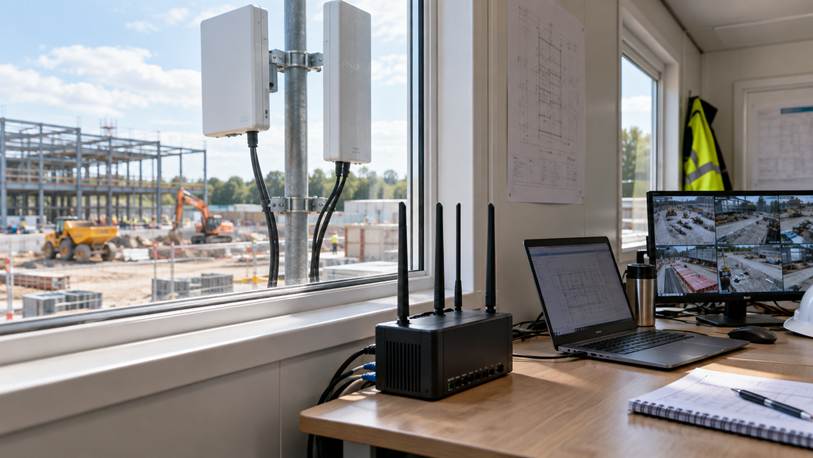
A wireless bridge links two fixed locations, an outdoor access point serves Wi-Fi devices across an open area, and a 4G/5G router brings internet service to a site through a mobile network. Businesses comparing commercial outdoor wireless access point options should therefore start with the traffic path, not the largest advertised speed. This guide explains where each technology fits and when a combined design is more practical.
Quick Take: Use a bridge between fixed endpoints, an outdoor access point for local client coverage, and a cellular router when the site has no dependable fixed broadband.
1. Three Different Network Jobs
1.1 Wireless Bridge for a Fixed Link
A wireless bridge replaces the Ethernet or fiber segment between two fixed points. A radio is installed at each end, and directional antennas focus the connection along the path. The remote building can then use a switch, access point, camera recorder or wired device as if a cable had been extended to it.
A bridge is a transport link, not an outdoor hotspot. It suits a gatehouse, warehouse, CCTV pole or secondary office with a clear path back to the main network. Reliability depends on line of sight, mounting height, path clearance, antenna alignment and interference.
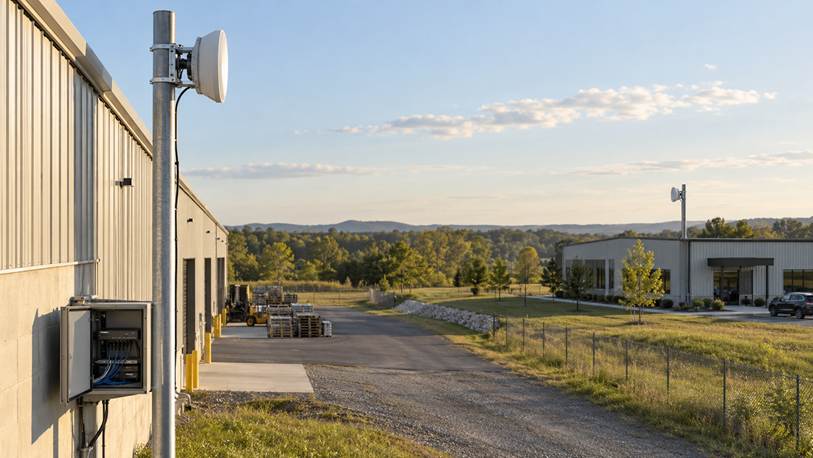
A point-to-point bridge carries an existing network between buildings without trenching a cable.
1.2 Outdoor Access Point for Local Coverage
An outdoor access point creates a Wi-Fi service area for phones, scanners, sensors and Wi-Fi camera units. It fits loading yards, courtyards, campuses and outdoor work zones. It still needs backhaul through Ethernet, a bridge, mesh or cellular router.
Coverage is never a perfect circle. Buildings, metal structures, trees, vehicles, antenna height and the weaker transmit power of client devices affect the usable area. Purpose-built outdoor equipment also provides the environmental protection that an indoor router behind a window cannot.
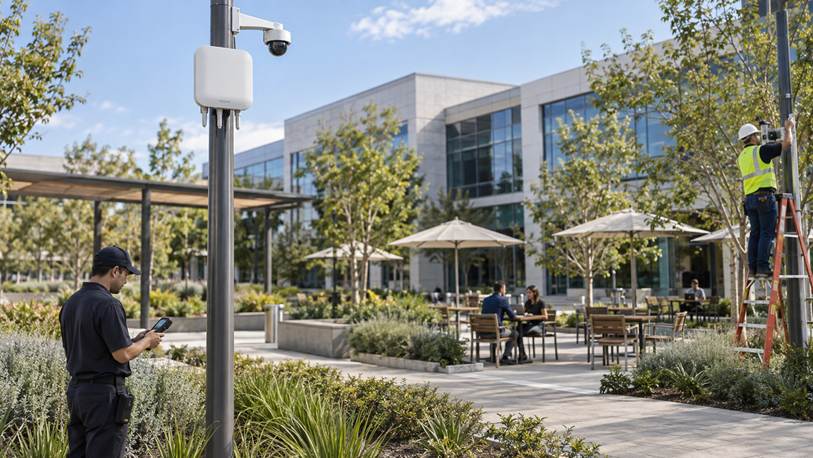
An outdoor access point distributes Wi-Fi to client devices within a defined area.
1.3 4G/5G Router for the Internet Source
A 4G/5G router uses a mobile operator network as its wide-area connection. It can quickly bring a construction office, rural shop, mobile clinic or temporary event online and can also provide backup when fixed broadband fails.
Cellular performance varies with signal quality, tower load, supported bands, antenna placement and the data plan. Upstream capacity and monthly usage matter for video. Remote access may also need additional planning when the operator uses carrier-grade network address translation.
| Option | Primary Job | Best Fit | Main Constraint |
| Wireless bridge | Fixed point-to-point transport | Buildings and CCTV backhaul | Clear path and alignment |
| Outdoor access point | Local Wi-Fi coverage | Yards and campuses | Backhaul and obstacles |
| 4G/5G router | Mobile internet connection | Temporary or remote sites | Variable service and data cost |
Distance alone does not decide the equipment. A long gap between two fixed buildings points toward a bridge, while a smaller but obstacle-filled yard may require several access point units. A site close to a public road may still need cellular service if no fixed broadband reaches the property. The useful question is not simply “How far?” but “Where does the traffic begin, where must it go, and which devices need to connect?”
2. Match the Technology to the Scenario
2.1 Remote Buildings and CCTV
When the main office already has reliable internet and another building needs access, a point-to-point bridge is usually the logical starting point. It can carry traffic for several devices at the far end without adding another mobile plan. Check both mounting points and the full radio path before selecting hardware; nearby branches or a metal roof can matter more than total distance.
A dedicated bridge also suits fixed CCTV because video traffic is continuous. An access point can connect local Wi-Fi camera units, but it does not replace backhaul. Cellular is useful when the camera site is isolated, although the installer should estimate data use and verify sustained upload performance.
2.2 Temporary Construction Sites
A cellular router is often the fastest way to activate a temporary office. If workers also need Wi-Fi across the site, connect the router to an outdoor access point instead of expecting the indoor router to cover everything. A bridge can later extend the same network to another cabin, gate or security post.
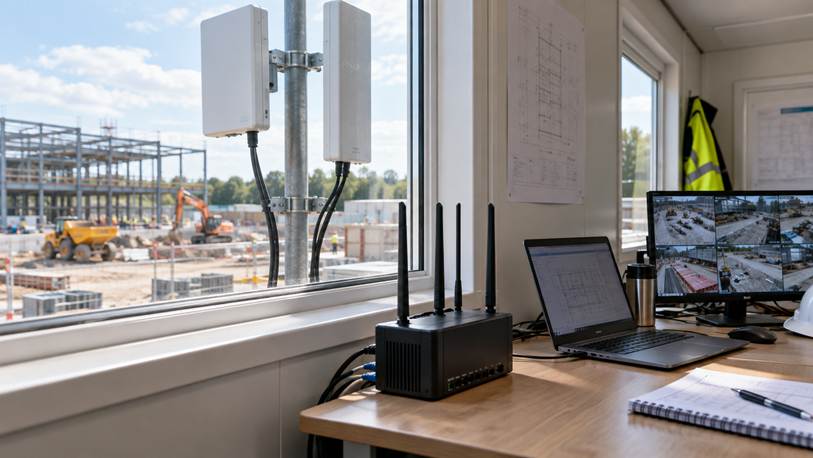
A cellular router can provide primary or backup internet where fixed broadband is unavailable.
2.3 Outdoor Staff and Visitor Coverage
For a logistics yard, resort garden or school grounds, place outdoor access point units around activity zones rather than simply near the easiest power source. Mounting every device as high as possible is not automatically better. Temporary testing with real client devices can reveal shadows caused by buildings, canopies and moving equipment.
3. A Practical Selection Checklist
3.1 Draw the Traffic Path
Mark the internet source, remote buildings, cameras and user zones on a site plan. A line between two fixed endpoints suggests a bridge. A zone containing mobile clients suggests an access point. A site with no upstream service suggests a cellular router.
3.2 Estimate Real Bandwidth
Calculate demand from actual applications. Email and browsing are forgiving; multiple camera streams, cloud backup and real-time collaboration are not. Include upload traffic and leave operating margin instead of designing around the radio’s maximum advertised rate.
3.3 Check the Environment and Recovery Plan
For a bridge, verify line of sight, stable mounting, surge protection and weatherproof cabling. For outdoor Wi-Fi, map obstacles, user density and backhaul. For cellular, test more than one operator at the intended location during working hours. Also decide how staff will monitor and reboot remote equipment.
Deployment Tip: Test proposed mounting positions before permanent installation. A temporary setup can expose blocked paths, weak cellular upload and coverage shadows while changes are still inexpensive.
4. Combined Designs and the Final Choice
Many remote networks use all three technologies because they solve problems at different layers. A 5G router may supply internet to a temporary main office, a bridge may carry that network to a gatehouse, and an outdoor access point may cover scanners and staff around the loading area.
The best design gives each device one clear job. Use a bridge between known endpoints, an outdoor access point for local Wi-Fi coverage, and a 4G/5G router when the site needs a mobile WAN. Separating these roles makes the network easier to expand and troubleshoot.
5. Frequently Asked Questions
5.1 Do I need a bridge or an outdoor access point between two buildings?
Use a bridge for the building-to-building link. Add an access point at the far end if people or Wi-Fi devices also need local coverage. An access point alone is not optimized for a reliable fixed link over distance.
5.2 Will an outdoor access point work without internet?
Yes. It can create a local network for cameras, controllers or on-site applications. Internet-dependent services still need upstream connectivity through Ethernet, a bridge, fixed broadband or a cellular router.
5.3 Is 5G always better than a wireless bridge for CCTV?
No. A bridge is usually more predictable when cameras have a clear path to an existing network. 5G is valuable when no other connection exists. Compare sustained upload speed, data cost, tower congestion and remote-access requirements.
5.4 How do I confirm line of sight for a bridge?
Inspect the path from the proposed mounting height at both endpoints. Look for roofs, trees, terrain and future construction. The radio path also needs clearance around the direct visual line, so a barely visible endpoint may still be unreliable.
5.5 Should I choose 4G or 5G for a temporary site?
Choose the service that performs reliably at the site. Stable 4G can be more useful than weak or congested 5G. Test upload, download and latency during business hours, and confirm operator bands, plan terms and external antenna support.
5.6 Can one outdoor access point cover an entire construction site?
Sometimes, but do not assume it. Steel, equipment, stored materials and temporary buildings create changing signal shadows. Design around important work zones and expect to reposition or add access point units as the project develops.


You must be logged in to post a comment.